
RealPlayer
RealNetworks LLC
Downloads
500,000+
Source
Google Play
Advertisement
Click to download now, finish the installation quickly, and directly unlock the all-round experience
Advertisement
Screenshots
Click to download now, finish the installation quickly, and directly unlock the all-round experience
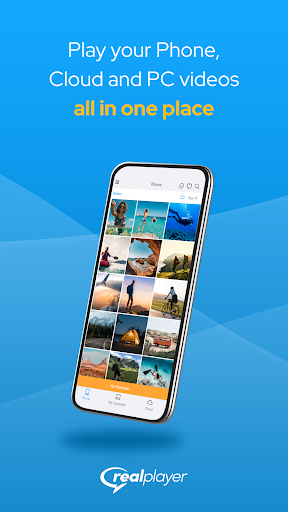
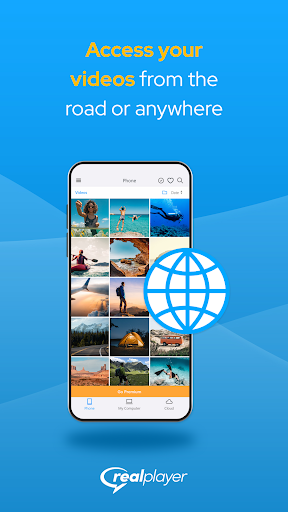
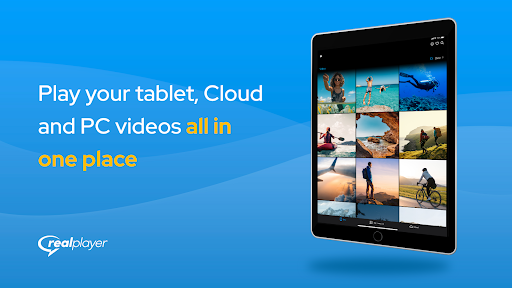
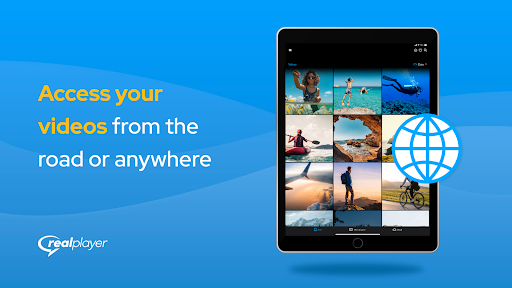
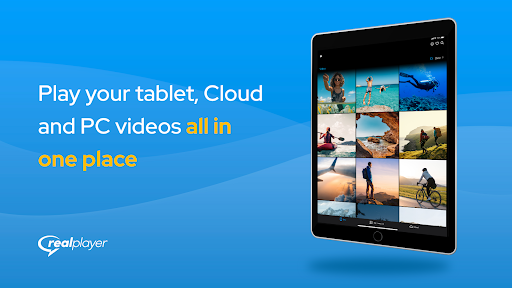
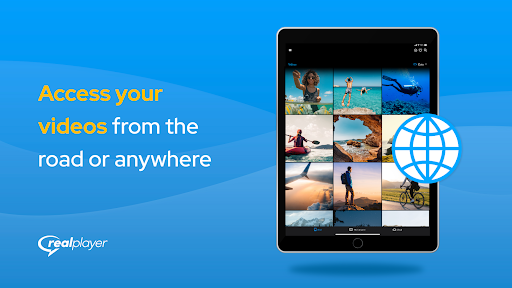
RealPlayer is a video player for people who want more than files stored on their Android phone. It can play local videos, stream from a RealPlayer PC library or cloud account, and let you reach a PC library remotely. That makes it most useful if you already use RealPlayer on a computer or keep videos in its cloud service; for someone who only needs a basic player, some of its connected features may be unnecessary.
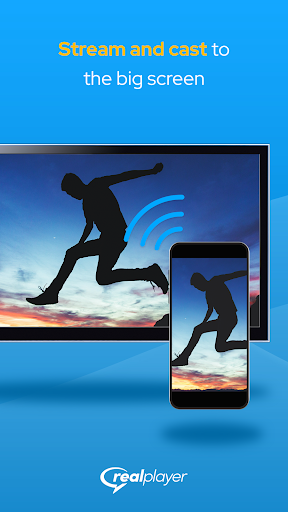
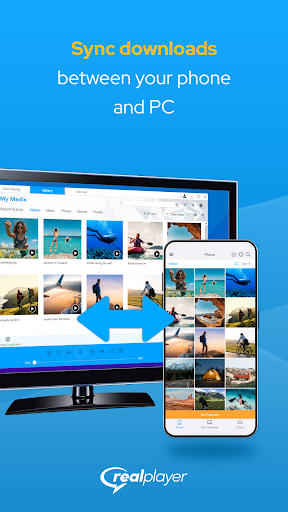
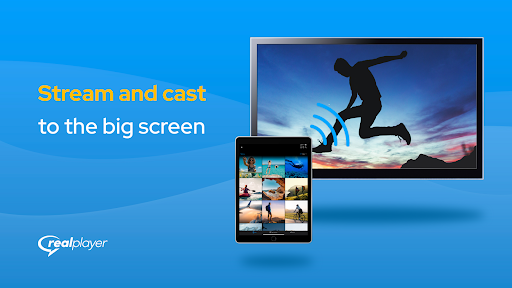
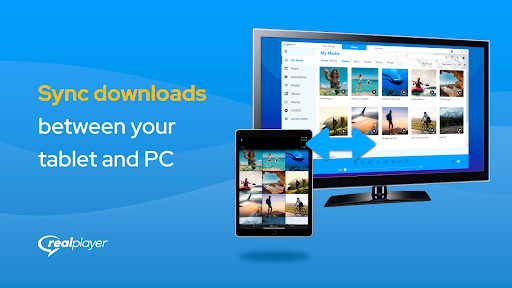
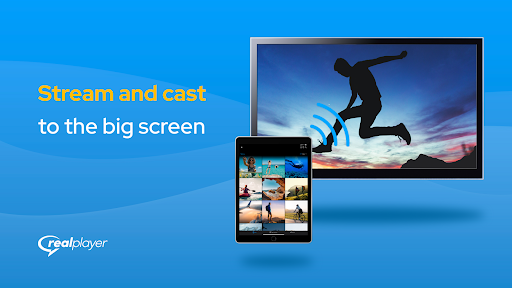
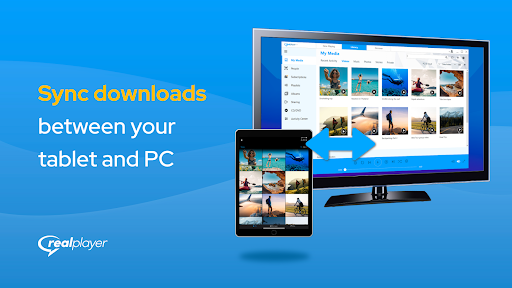
With a RealPlayer account, you can sync videos between your phone and PC, transfer PC videos to the phone for offline viewing, and back up phone videos to RealPlayer Cloud. The PC connection and sign-in are part of the deal: this is not simply a player that works entirely on its own. You can also cast videos to a larger screen using Chromecast or AirPlay.
Dark Mode, adjustable playback speed, folder browsing and multi-file selection cover practical viewing and file-management needs. These can help if you watch in low light, want to move through a video faster or slower, or have several videos to handle at once. The app also offers video downloading, but the wider PC, remote-access and cloud options may require a subscription.
RealPlayer is made by RealNetworks LLC and has a 4.1-star average from 7,072 ratings, with 500,000+ installs. Its strongest fit is someone who wants phone playback tied to a RealPlayer PC collection, cloud storage or device syncing. If you do not plan to sign in or use those connections, consider whether you need its extra features rather than just a straightforward way to play videos.